
Imagonarium

Hiking Route Map Print — Your GPX Hike on a Topographic Map

Upload your hike's GPX file from Strava, Komoot or your watch: your route over the real mountains in contour lines, with the distance, climb and time.

€14.90≈ $16.67

Design yours

Upload the GPX file of your hike from Strava, Komoot or your watch · Live preview · Instant PDF

  1. Designlive preview
  2. Paysecure checkout
  3. Downloadinstantly
  4. Hangprint it today

A digital file — nothing is posted, nothing to wait for.

Giving it as a gift?

For a first Munro, a summit you trained all year for, a long-distance trail or the hike where you got engaged — their own route, over the real mountains. It’s ready the moment you pay: print it at home or at any print shop and frame it — no shipping, no waiting.

  • Your GPX route over a topographic map of the real land
  • From Strava, Komoot, Garmin, AllTrails or your watch
  • The map fits itself around your hike, up to 80 km across
  • Distance, climb and time read from the file, all editable
  • 6 colours or your own, and 5 route colours
  • Print-ready PDF: A5 to A1 and US sizes, instant download
Your own hike on a topographic map: upload the GPX file of the walk, and your route is drawn in colour over the real mountains, the contour lines made from real elevation data, the lakes and rivers filled in, the summit marked. The map fits itself around your route, and the distance, the climb and the time are read from the file. For a first Munro, the summit you trained all year for, the Tour du Mont Blanc, a week on the West Highland Way, or the hike where you got engaged. Where to get the file: on Strava's website open the activity, then the three dots and Export GPX. Komoot, Garmin Connect, AllTrails, Suunto and most watches let you download a GPX file too. Choose how much of the area the map shows, from 3 to 80 kilometres across, fewer or more contour lines, and the route's colour: orange, red, blue, gold or the colour of the lines. Colours: stone, lake blue, forest green, terracotta, black and white or night, or any colour of your own. The words are yours: the name of the hike, its numbers (in km and metres, or miles and feet), and a line under it such as the date or who you walked it with. You get a print-ready PDF at the size you choose, from A5 to A1 or 8×10 to 24×36 inches, ready the moment you pay. Nothing is posted. Elevation data: Terrain Tiles on AWS Open Data. Water © OpenStreetMap contributors.

Design yours

Everything you change shows in the preview. The file has no watermark.

Questions

Is it the real land?
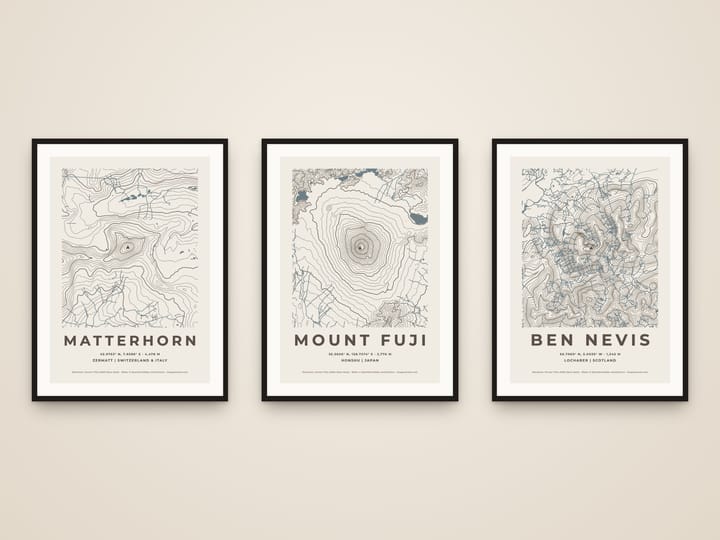
Yes. The contour lines are drawn from real elevation data (the Terrain Tiles on AWS Open Data, from the SRTM survey and national maps), and the lakes, rivers and sea from OpenStreetMap. Search any place on Earth and you see its own hills and valleys.
Which places work?
Any mountain, national park, lake, valley or island in the world. Search it by name, choose how many kilometres across the map shows, from 3 to 80, and tap the map to move its middle.
Can I change the colour?
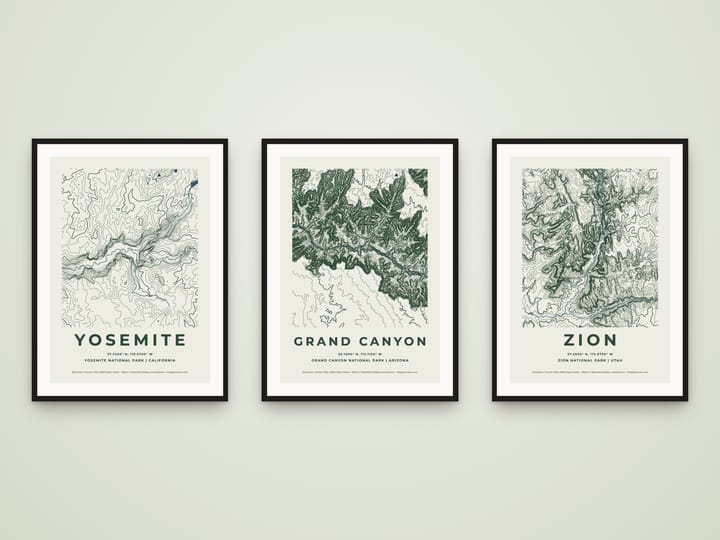
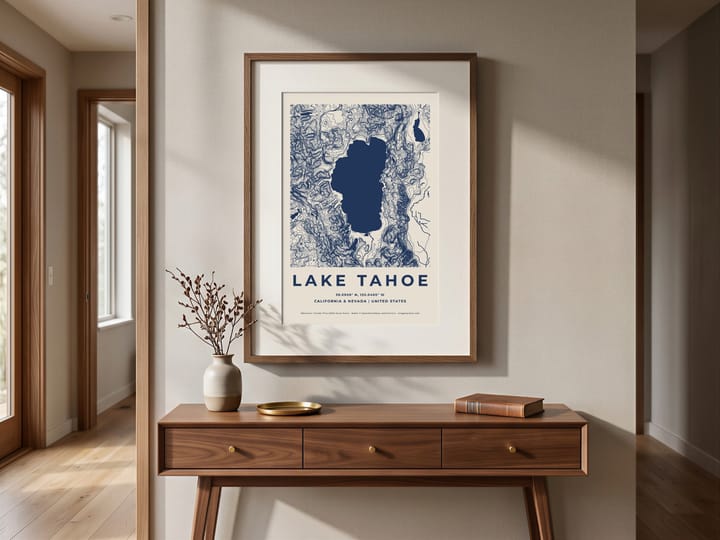
Yes: lake blue, forest green, stone, terracotta, black and white or night, or pick any colour of your own and the paper and water are matched to it.
What does it say?
The name in spaced capitals, the coordinates (and the summit's height for a mountain), and a line under it such as the region and country. Change any of it, or write your own line: the date of your climb, your names.
Can I put my own hike on it?
Yes, with the hiking route listing: upload the GPX file from Strava, Komoot, Garmin Connect, AllTrails or your watch, and your route is drawn over the contour lines, the map fitted around it, with the distance, the climb and the time read from the file. On Strava's website open the activity, then the three dots and Export GPX.
What are ridgelines?
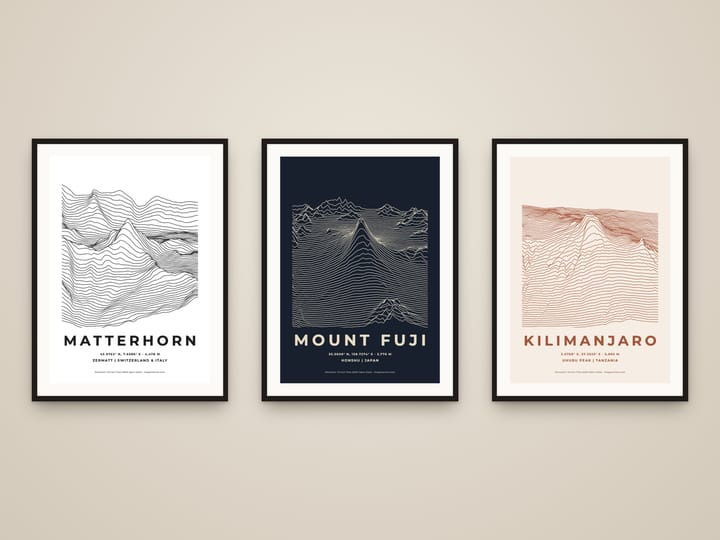
A second style: instead of contour lines seen from above, the land is drawn as rows of lines from north to south, each lifted by the height under it, so the mountain rises out of them like a sound wave (the look of the famous Unknown Pleasures album cover). Every listing can switch between the two.
How tall is the summit on the print?
Mountains open with the official height. The elevation data rounds off sharp summits a little, so for a peak you search yourself, type the official height to print it exactly.
What size is it?
Portrait, at the paper size you choose, from A5 to A1 or 8×10 to 24×36 inches, each laid out for its own shape. It prints at home or at any print shop.
When do I get my files?
Straight away. After paying you land on your download page, and the receipt email links to it too. The link stays open for 30 days (for a gift, 30 days from the day it's delivered), so download your files and keep them safe. If you need them again later, just write to us.
Is anything posted to me?
No — these are digital files. You print them yourself at home or at a print shop, so there's no shipping and no waiting.
Can I give it as a gift?
Yes. In the cart, tick “Send it as a gift”: we email it to them with your message, on the day you choose. You get the download link as well.
What if something is wrong with a file?
Write to us and we’ll fix it or send a corrected file — and if we can’t, you get a full refund. See Refunds.

Something else? Ask us.

You may also like