

24 November 2026
Check-in Instructions for Holiday Rentals: A Template You Can Copy
Clear check-in instructions prevent most arrival-day calls. A copy-ready template, with the details that guests usually miss.
 Save
Most of the stressful moments of hosting happen in the first half hour: a guest who can't find the entrance, a key box that won't open, a car with nowhere to go. Good check-in instructions prevent nearly all of them.
What guests get wrong
From hosts' experience, the usual problems are:
- The wrong door. The street entrance, the side gate or the flat on the second floor?
- The wrong address in the maps app, especially in the countryside or with new buildings
- Parking. Where it is, whether it's free, and whether that space is really yours
- The code. Which box, which buttons, and that you need to press # at the end
- Arriving late, when nobody can answer the phone
The template
Copy this and fill in the brackets.
Welcome to [name of your place]! Address: [street and number, town, postcode]. If your maps app takes you to [the wrong place], continue [100 m] past it. Parking: Park in [space number / the gravel area on the right]. It's free. Please don't use [the neighbour's space]. Finding the door: The entrance is [the blue gate to the left of the house], not [the main door]. [Photo] Getting in: The key box is [on the wall to the right of the gate, at knee height]. Your code is [code]. Turn the dials, pull down the lever, take the key, and please scramble the code again. Check-in is from [15:00]. Arriving later than [22:00]? No problem, just let us know. Inside: The light switch is [on the left]. The Wi-Fi is [network] / [password]. Something wrong? Call or message [name] on [number]. We're reachable from [8:00 to 22:00].
Make it even clearer
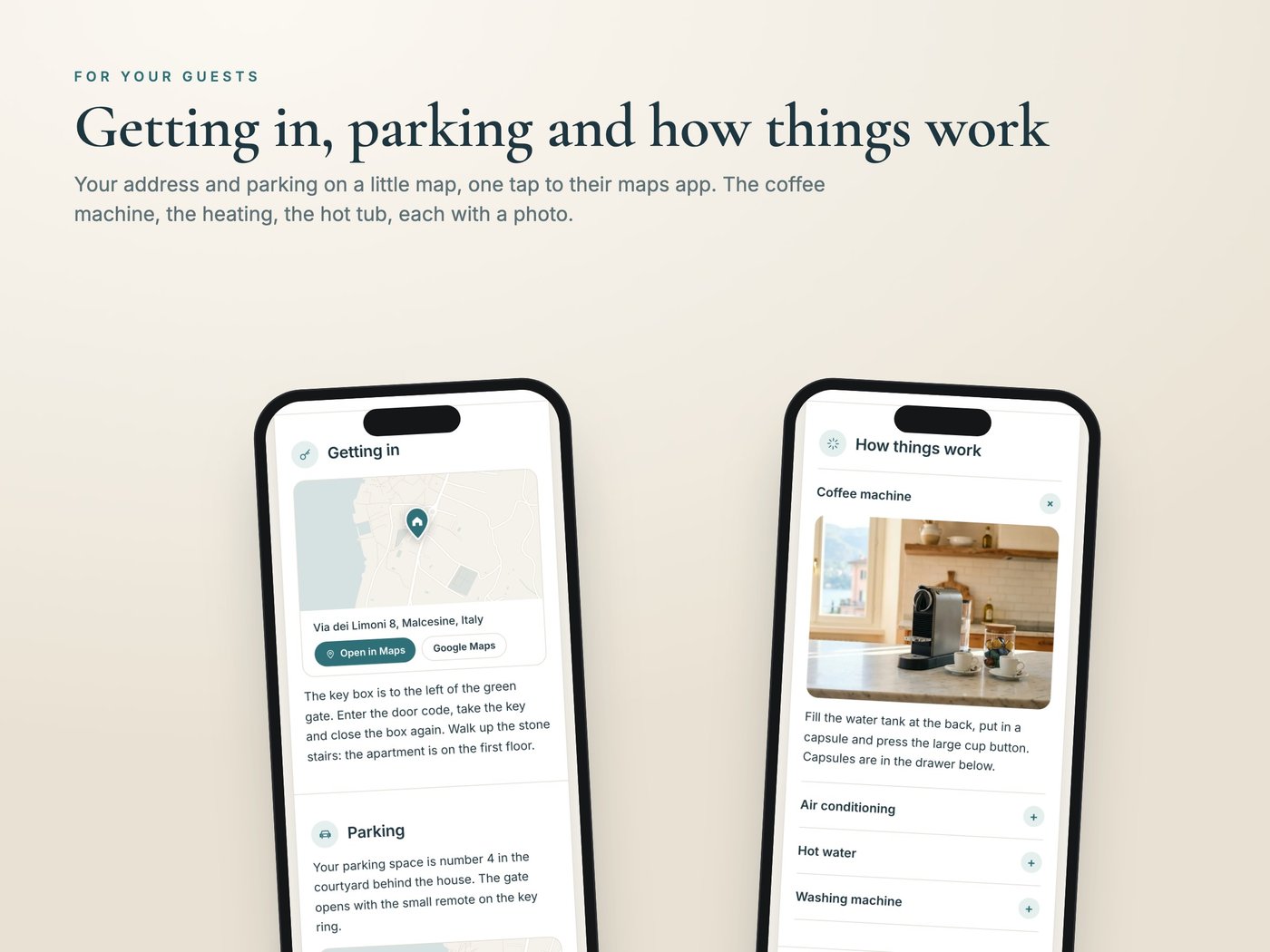
- Add photos of the entrance and the key box. One picture saves ten sentences.
- Use a map pin, not just the address. Pins are exact even where addresses aren't.
- Give parking its own pin if it isn't at the door.
- Send it the day before, not weeks before, when guests are actually planning the journey.
- Translate it for guests from abroad. Directions are the hardest thing to read in a second language.
Keep the code private
If your check-in instructions are on a page or a sign, don't put the door code in plain sight. Keep it behind a short PIN that only your booked guests receive.
Check-in instructions with maps, in any language
The Guest Welcome Page has a section for exactly this. You find your address on a map and drop a pin on the entrance, add a second pin for parking, write the steps and add a photo. Guests tap Open in Maps for Apple Maps or Google Maps, and read the steps in their own language. The door code sits behind a PIN you send in your booking message.
Try it as your guests would: open the demo guest page, switch the language at the top and tap around. Then see the host's side, where you fill it in and print the sign.
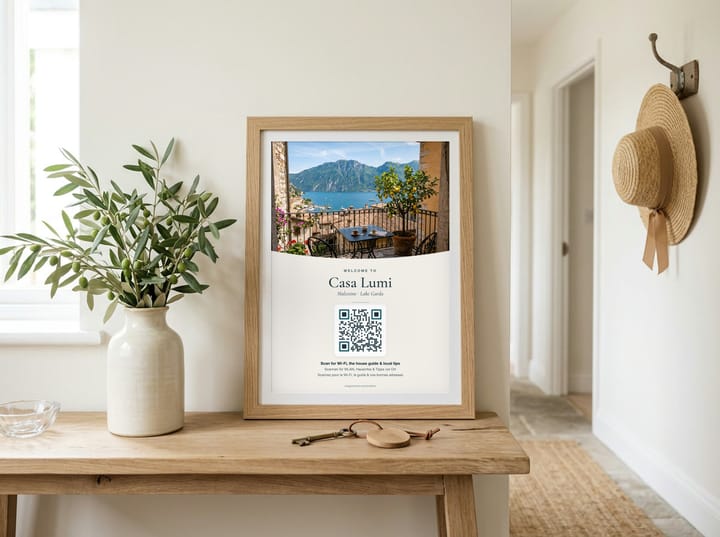
Holiday Rental Guest Welcome Page with QR Sign, Wi-Fi Card & House Guide in 10 Languages
Wi-Fi, check-in, how things work, house rules and your local tips on one link, read by every guest in their own language
€20.30€29.00−30%
Design yoursOnce check-in is sorted, the next step is the rest of the stay: here's what to put in your welcome book.
Get new articles and designs by email
New calendars, art and mockups, and the odd offer — about once a month.
Unsubscribe any time. See the privacy policy.