

Personalised Run, Ride or Hike Map Print — Your GPX Route on the Real Streets
Upload your GPX file from Strava, Garmin or Komoot: your route drawn over the real streets, parks and rivers, with your time and distance.
€14.90≈ $16.67
Design yours
Upload your GPX file, add a title and your time · Live preview · Instant PDF
- Designlive preview
- Paysecure checkout
- Downloadinstantly
- Hangprint it today
A digital file — nothing is posted, nothing to wait for.
Giving it as a gift?
For a runner's first marathon, a cyclist's big ride or a hike to remember — their own route, on the streets they took. It’s ready the moment you pay: print it at home or at any print shop and frame it — no shipping, no waiting.
- Your GPX route on the real street map
- From Strava, Garmin, Komoot or any watch
- Distance, moving time, pace and elevation from your file
- Green parks and blue water, from OpenStreetMap
- Four colourways, including Midnight & champagne
- Print-ready PDF, A5 to A1 and US sizes, instant download
Your run, ride or hike, on the streets you took. Upload the GPX file from Strava, Garmin Connect, Komoot or your watch, and the print draws your route over a real street map of the area: the roads, paths, parks, woods and water, from OpenStreetMap, in natural map colours or quietly in the print's own.
Under the map: your title, the place, date and start time, and your numbers: the distance, the moving time, the pace and the elevation. They're worked out from your file, and you can change any of them.
For a first marathon, a big ride, a race PB or a hike to remember. Street maps cover Europe and North America. Choose from four colourways: Paper & terracotta, Linen & ink blue, Midnight & champagne and Dusty rose. You get a print-ready PDF at the size you choose, from A5 to A1 or 8×10 to 24×36 inches. Nothing is posted.
Design yours
Everything you change shows in the preview. The file has no watermark.
Powered by Moon Poster Studio
Questions
What file do I need?
A GPX file of your activity. Strava exports it only on its website, not in the app: on strava.com open your activity, click the ⋯ button in the row of round icons on the left, then Export GPX (on a phone, switch the browser to “Request desktop site” first). In Garmin Connect, also on the website (connect.garmin.com), the activity's gear menu and Export to GPX; in Komoot, on komoot.com, the tour's ⋯ menu and Download GPX — neither app exports it. Coros, Suunto and most watches export GPX too. From an Apple Watch or iPhone, use the Health app (your picture → Export All Health Data): its workout-routes folder has a GPX file for each workout.
Is the map real?
Yes. The streets, paths, parks and water come from OpenStreetMap, drawn for the area round your route, and the print carries its small credit line, as OpenStreetMap asks.
Where does it work?
Anywhere in the world, from a park run to a long ride: a route up to about 500 km across fits on the map. In the few places OpenStreetMap has mapped lightly, the map round your route shows fewer streets.
Can I change the numbers?
Yes. The distance, moving time, elevation, date, start time and place are worked out from your file and filled in for you. You can change any of them, or leave one out, before you buy, and the preview shows the print exactly as it will be.
Why are my numbers a little different from Strava's?
A GPX file is a list of points, each with a position, a height and a time. It has no totals, so the print works them out from the points. Strava and your watch use more than the file holds: for a phone recording, Strava also uses the phone's own motion sensors and fills in stretches where the GPS dropped out, so its distance can be a little longer than the track in the file. Heights from GPS are rough, so both Strava and the print smooth them, and the moving time leaves out stops in a slightly different way. The difference is usually small. If you want the print to show exactly what Strava or your watch shows, type those numbers into the fields before you buy.
Can I choose the words and the lettering?
Yes. Pick one of our titles or write your own, choose the lettering from script, serif and bold faces, and what stands between your names: a heart, a plane, a star or an ampersand.
What size can I print it?
You choose the paper size while you design it: A5 to A1, or 8×10 to 24×36 inches. The PDF is print-ready at that size, and every size is laid out for its own shape, so nothing is cut off.
How do I print it?
At home on good, heavy matte paper, or take the PDF to any print shop or photo service and ask for it at its size.
May I use it commercially?
It's for personal use: print it as often as you like for your own walls or as a gift. Please don't sell it or prints of it.
When do I get my files?
Straight away. After paying you land on your download page, and the receipt email links to it too. The link stays open for 30 days (for a gift, 30 days from the day it's delivered), so download your files and keep them safe. If you need them again later, just write to us.
Is anything posted to me?
No — these are digital files. You print them yourself at home or at a print shop, so there's no shipping and no waiting.
Can I give it as a gift?
Yes. In the cart, tick “Send it as a gift”: we email it to them with your message, on the day you choose. You get the download link as well.
What if something is wrong with a file?
Write to us and we’ll fix it or send a corrected file — and if we can’t, you get a full refund. See Refunds.
Something else? Ask us.
You may also like
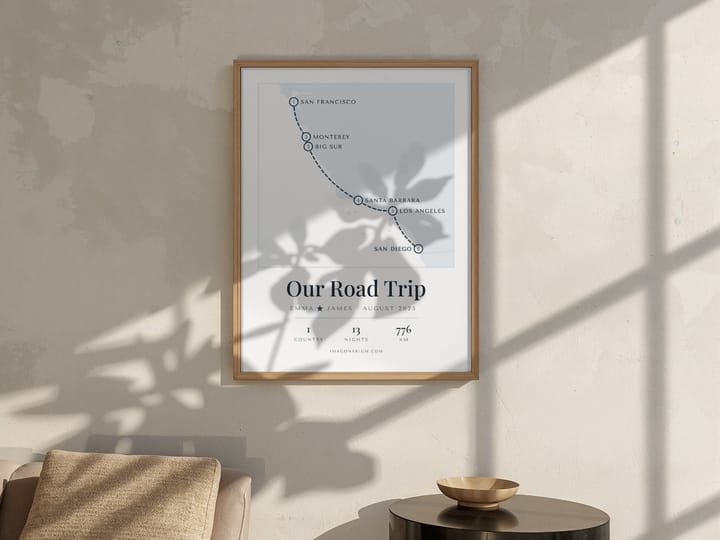
Personalised Trip Map Print — Your Honeymoon or Road Trip Route, Stop by Stop
€14.90≈ $16.67
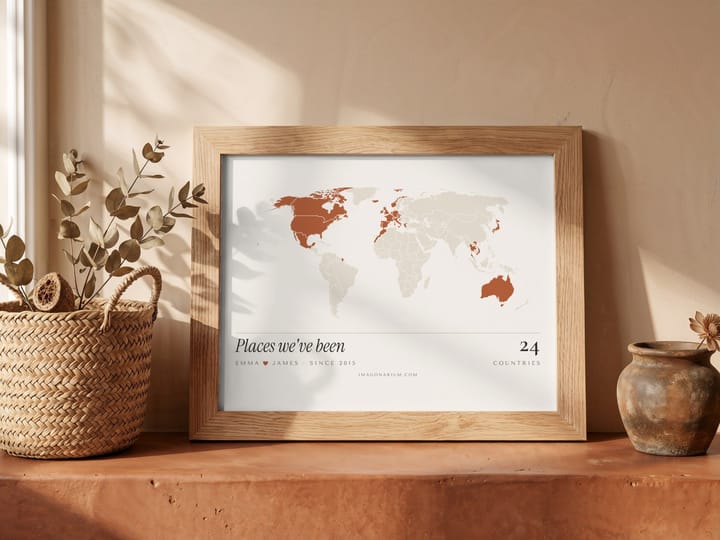
Places We've Been — Personalised World Map Print of the Countries You've Visited
€14.90≈ $16.67

Personalised Flight Path Print — The Real Route Between Two Airports on a Globe
€14.90≈ $16.67
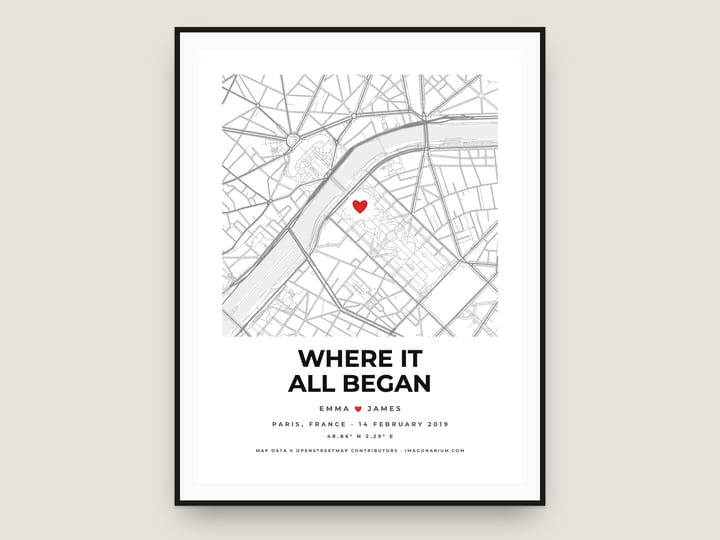
Personalised City Map Print — Where We Met, Our First Home, Any Place in the World
€14.90≈ $16.67
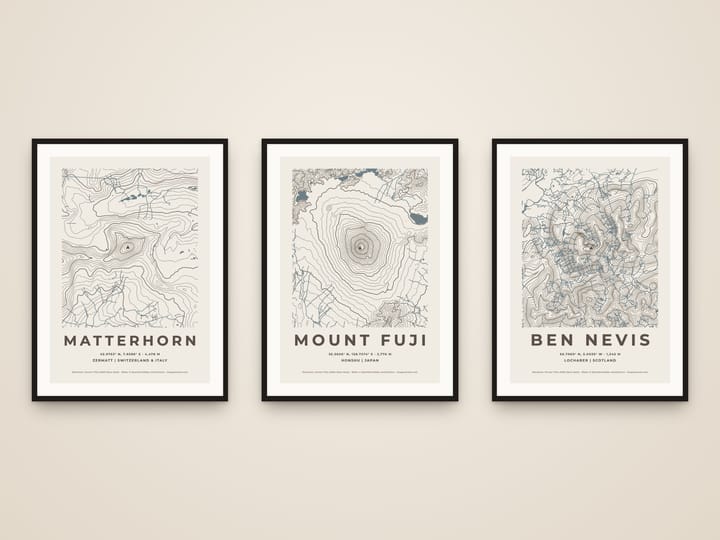
Custom Mountain Topographic Map Print — Any Peak in Contour Lines
€14.90≈ $16.67
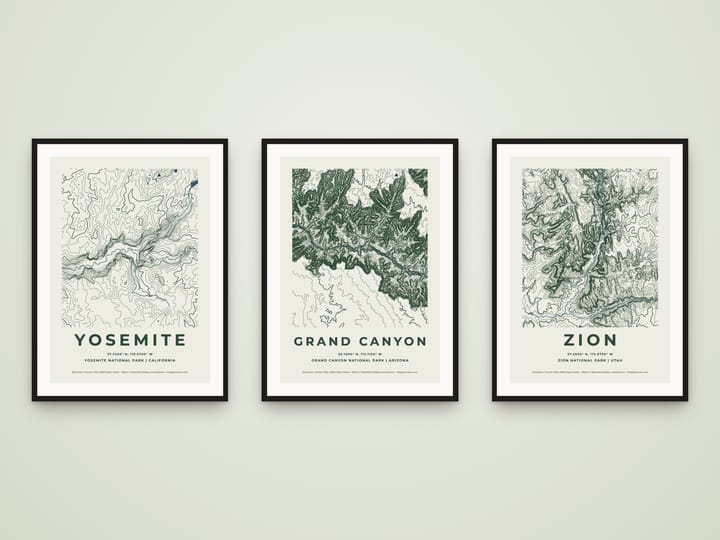
National Park Topographic Map Print — Any Park in Contour Lines
€14.90≈ $16.67