

Winter Window Mug Mockup, Hands Holding Mug PSD Smart Object
Photo mockup of a white mug held by two hands at a snowy window, with editable smart object
€5.90≈ $6.60
Instant download · Secure checkout by Lemon Squeezy
- Buysecure checkout
- Downloadinstantly
- EditPhotoshop or Photopea
A digital file — nothing is posted, nothing to wait for.
What you get
- christmas-mug-hands-window-mockup.psd84.3 MB
- How to use your mug mockup (PDF guide)732 KB
- Layered PSD with mug smart object
- Shadows and highlights on their own layers
- 4800 × 3584 px, RGB
- Works in Adobe Photoshop or the free Photopea
- Instant download, no physical item
- Commercial use allowed for your own products
Two hands hold a plain white mug on a wooden windowsill. Behind the glass, snow sits on fir branches and garden trees, and a sprig of holly with red berries rests beside a grey knitted blanket. The light is soft and overcast, the kind you get on a still winter morning.
It suits seasonal mug listings, Christmas gift shops, coffee and tea brands, and anyone who needs a warm winter scene without a photo shoot. The mug area is large and face-on, so text, photos and full-wrap artwork all read clearly.
You get a layered PSD with a smart object for the mug design: double-click the layer, paste your artwork, save, and it wraps onto the curve with the original shading and highlights intact. The file is 4800 × 3584 px and opens in Adobe Photoshop or the free Photopea. Download link appears as soon as payment clears; nothing is posted.
Questions
What do I need to open it?
Adobe Photoshop, or the free Photopea in your browser. Here’s how in Photopea.
How do I put my design on it?
Double-click the smart object's thumbnail, place your design, save, and it appears on the product with its curve, light and shadows. A PDF guide comes with every mug mockup.
May I use it for my shop?
Yes — you may use your finished images commercially: product photos for your shop, Etsy, social media and ads, as often as you like. You may not resell or share the PSD itself.
What design file works best?
A PNG with a transparent background, or a JPG, in RGB colour, at least as large as the smart object so it stays sharp.
When do I get my files?
Straight away. After paying you land on your download page, and the receipt email links to it too. The link stays open for 30 days (for a gift, 30 days from the day it's delivered), so download your files and keep them safe. If you need them again later, just write to us.
Is anything posted to me?
No — these are digital files. You print them yourself at home or at a print shop, so there's no shipping and no waiting.
Can I give it as a gift?
Yes. In the cart, tick “Send it as a gift”: we email it to them with your message, on the day you choose. You get the download link as well.
What if something is wrong with a file?
Write to us and we’ll fix it or send a corrected file — and if we can’t, you get a full refund. See Refunds.
Something else? Ask us.
You may also like

Winter Mug Mockup PSD, Mittened Hands Holding a Mug in Snow
€5.90≈ $6.60
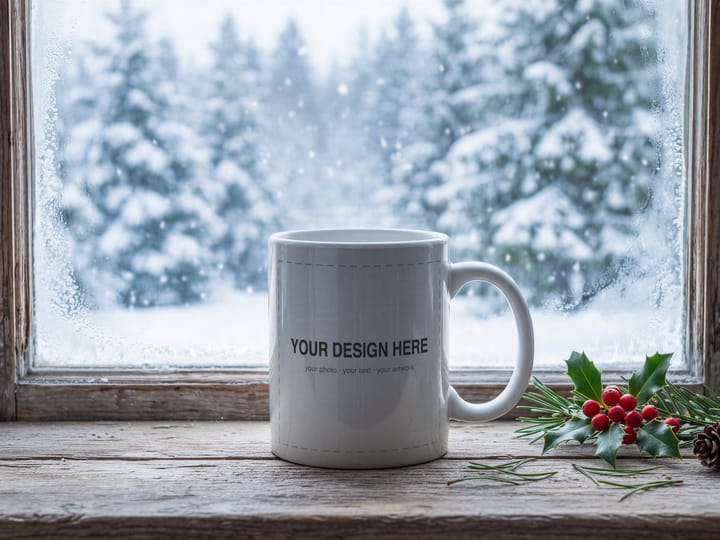
Christmas Mug Mockup PSD, Snowy Window Scene, Smart Object
€5.90≈ $6.60
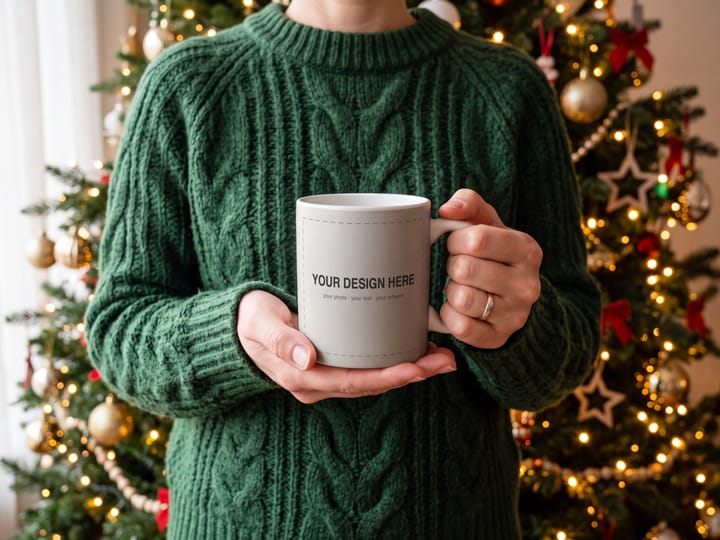
Christmas Mug Mockup PSD, Hands Holding Mug by the Tree
€5.90≈ $6.60
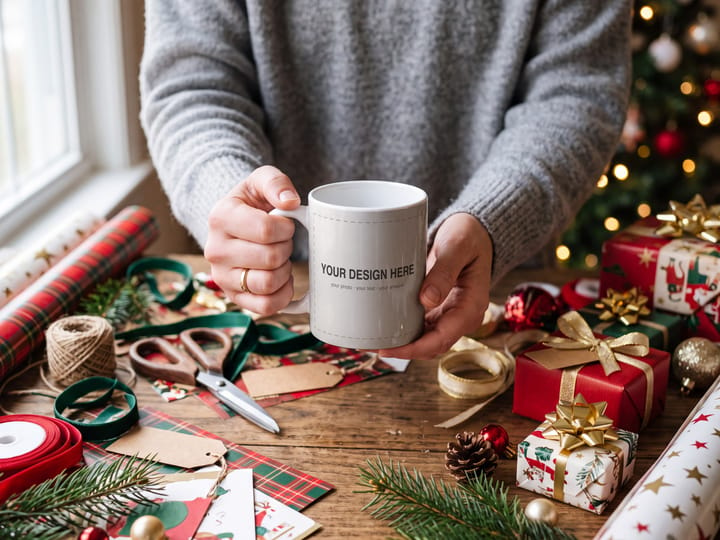
Christmas Mug Mockup PSD, Hands Holding Mug at Gift Wrapping Table
€5.90≈ $6.60

Christmas Mug Mockup PSD, Hands Holding Mug on Sofa, Smart Object
€5.90≈ $6.60

Christmas Mug Mockup PSD, Hands Holding Mug by the Fireplace
€5.90≈ $6.60