

Your run, ride or hike as a map print
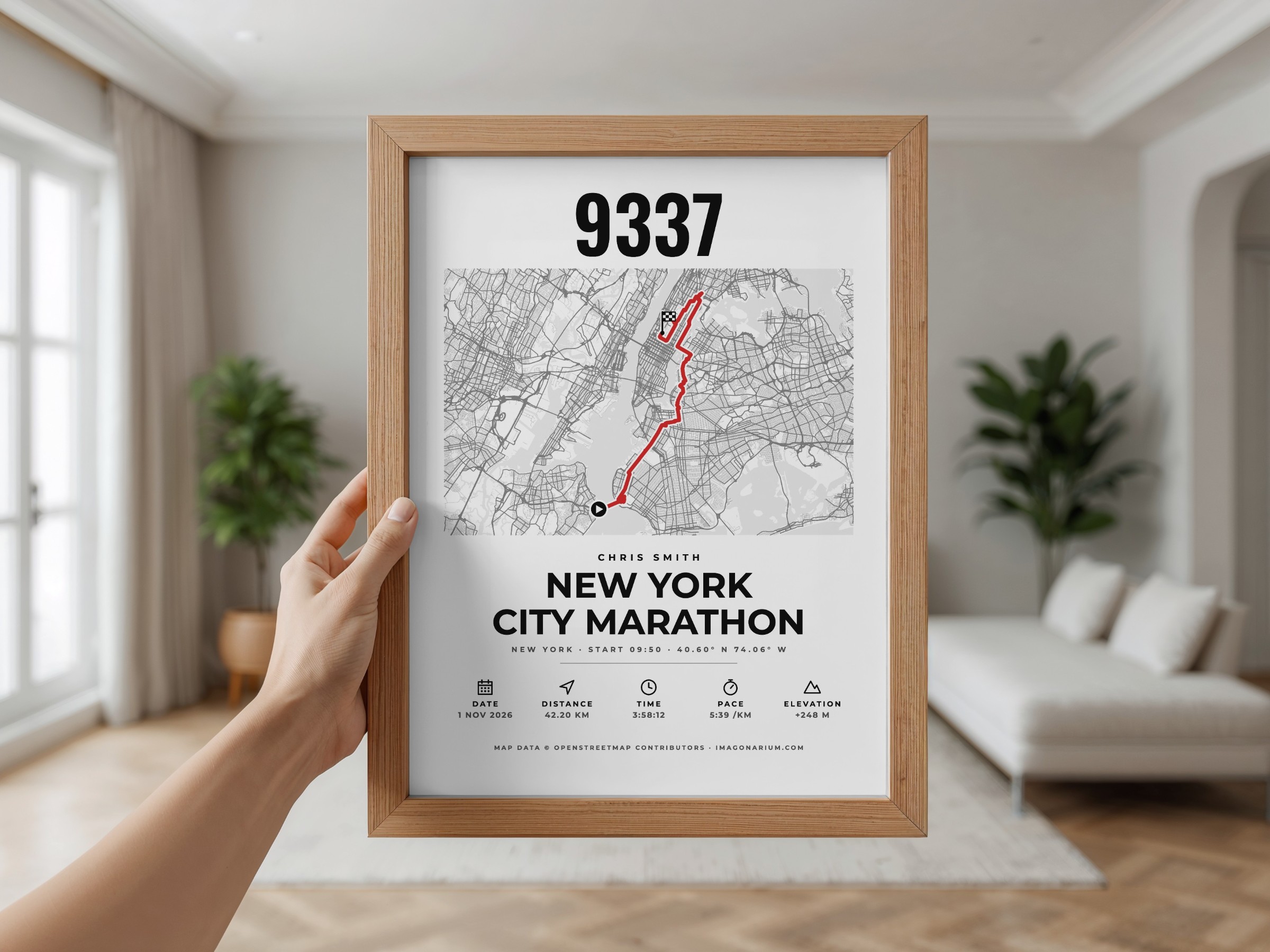
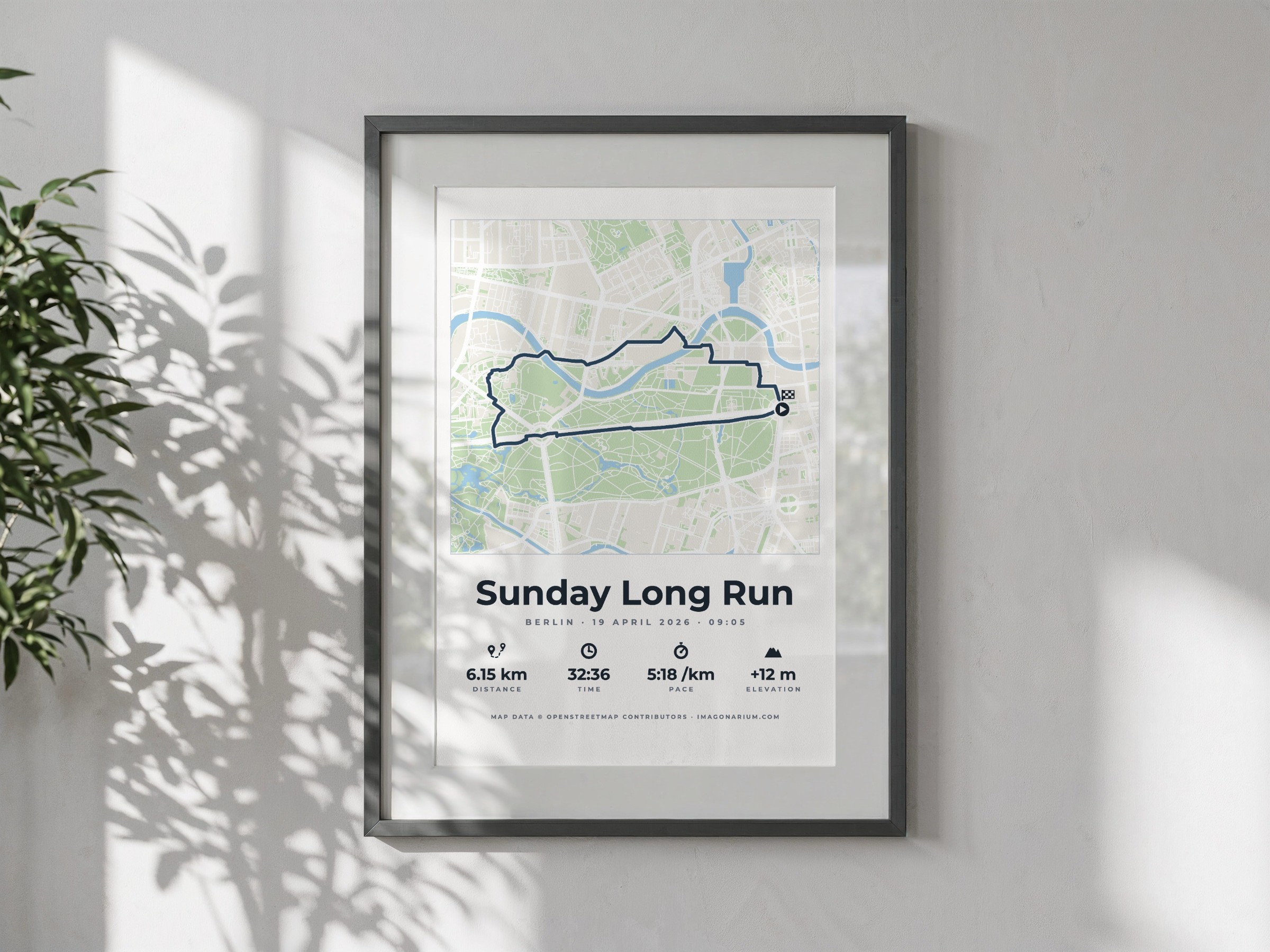
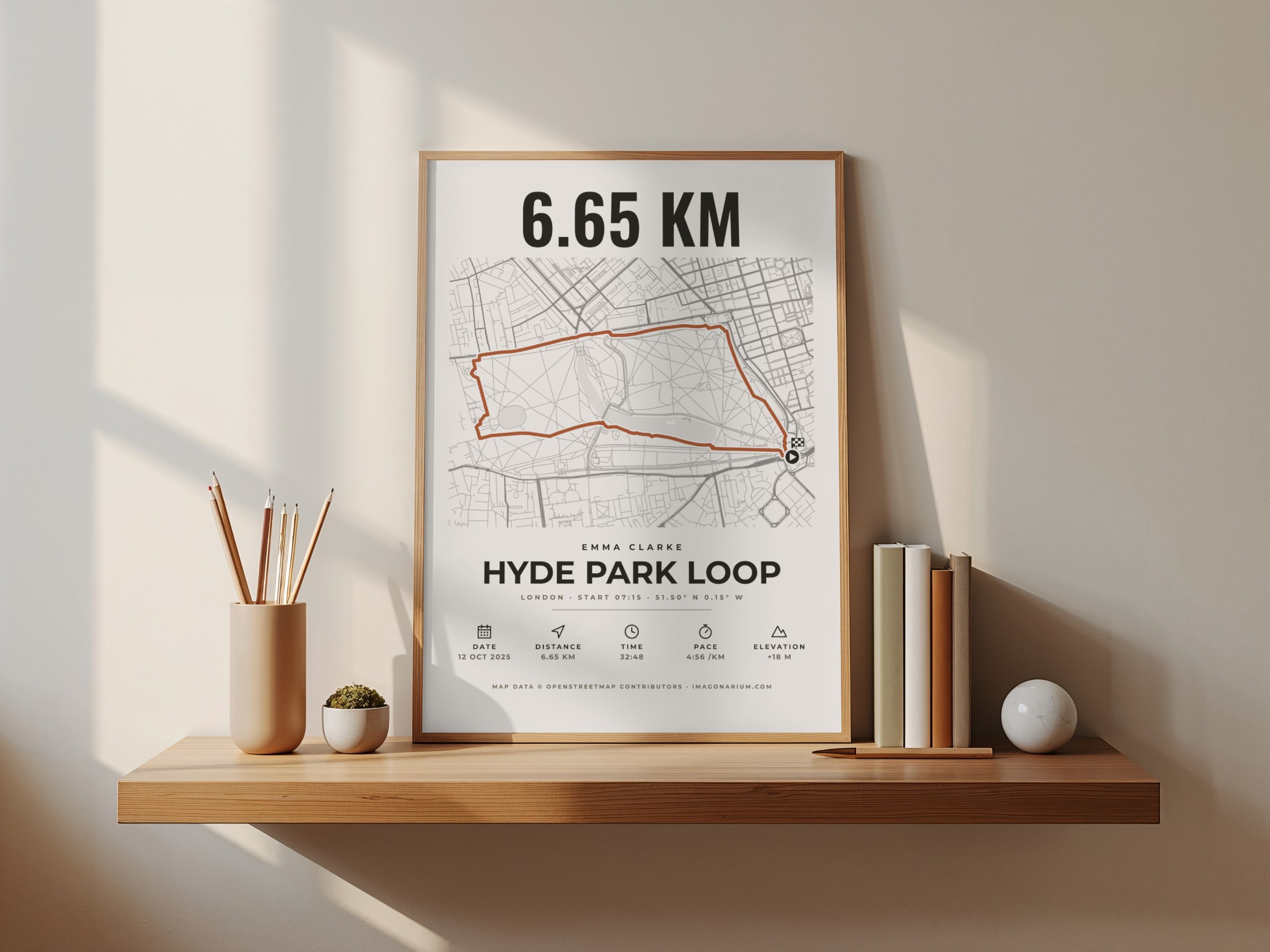
A first marathon, a race you trained months for, a summit, a long ride: the route deserves more than a screenshot. Upload the GPX file from Strava, Garmin or your watch, and see your route drawn on the real streets, with your distance, time, pace and climb.
Live preview · instant printable PDF · nothing posted
How it works
- 1.Download the GPX file of your activity from Strava, Garmin Connect or your watch's website.
- 2.Upload it: the route is drawn on the street map, start and finish marked.
- 3.Your distance, time and elevation are filled in; change anything you like.
- 4.Pick a style and download the print-ready PDF.
A gift for
- A first marathon: the 42.2 km, every street of it
- Race day: half marathons, triathlons, trail races
- Cyclists: a sportive or a long ride
- Hikers: a summit or a long-distance trail
Make yours
Everything shows in the preview as you go. The print-ready PDF is yours the moment you pay.
Powered by Moon Poster Studio
Questions
- Where do I get the GPX file?
- On the Strava website open your activity, then the three dots and Export GPX; Garmin Connect has Export to GPX in the activity's settings menu.
- Does it work anywhere?
- Yes: the street maps cover the whole world.
- Can I change the numbers?
- Yes: the distance, time and elevation come from your file, and you can edit them.