

26 November 2026
Digital vs Printed Welcome Book: Which Works Better for Your Holiday Rental?
The printed binder, the PDF and the digital guidebook compared honestly, and why most hosts end up using both.
 Save
Almost every holiday rental has a welcome book of some kind. The question in 2026 isn't whether to have one, but which kind guests actually read. Here's an honest look at the three common choices.
The printed binder
The classic: a folder on the coffee table with the Wi-Fi, the rules, the appliances and a page of restaurant tips.
What's good: it's lovely to hold, it suits a cosy or traditional place, and it works with no signal and no battery.
What's not:
- Guests can't see it before they arrive, which is when they need directions and the door code.
- Every change means reprinting. The restaurant that closed is still recommended two years later.
- It's in one language.
- Pages go missing, get coffee on them, or walk off in a suitcase.
The PDF
Many hosts write a document and send it as a PDF with the booking.
What's good: guests get it before arrival, and it's free to make.
What's not: PDFs are hard to read on a phone. You pinch and scroll sideways, and links to maps are often missing. Every update means sending a new file, so guests end up with three versions. And guests rarely find it again in their messages once they've arrived.
The digital guide (a web page)
A page made for phones, sent as one link and opened from a QR code in the house.
What's good:
- Guests can use it before, during and after the stay.
- Change it any time: everyone with the link sees the new version at once.
- Maps open straight in the guest's own maps app.
- It can be in the guest's language.
- The Wi-Fi password can be copied with one tap.
What's not: it needs a phone and a signal (your Wi-Fi covers that indoors), and some apps charge a monthly fee per property, which adds up for a small host.
So which is better?
For the practical things (getting in, the Wi-Fi, parking, check-out) the digital guide wins clearly, because guests need them on their phone and often before they arrive.
The printed book still has a place for the feeling: a welcome note, a few beautiful photos, the story of the house. Many hosts now do both:
- A digital guide for everything practical
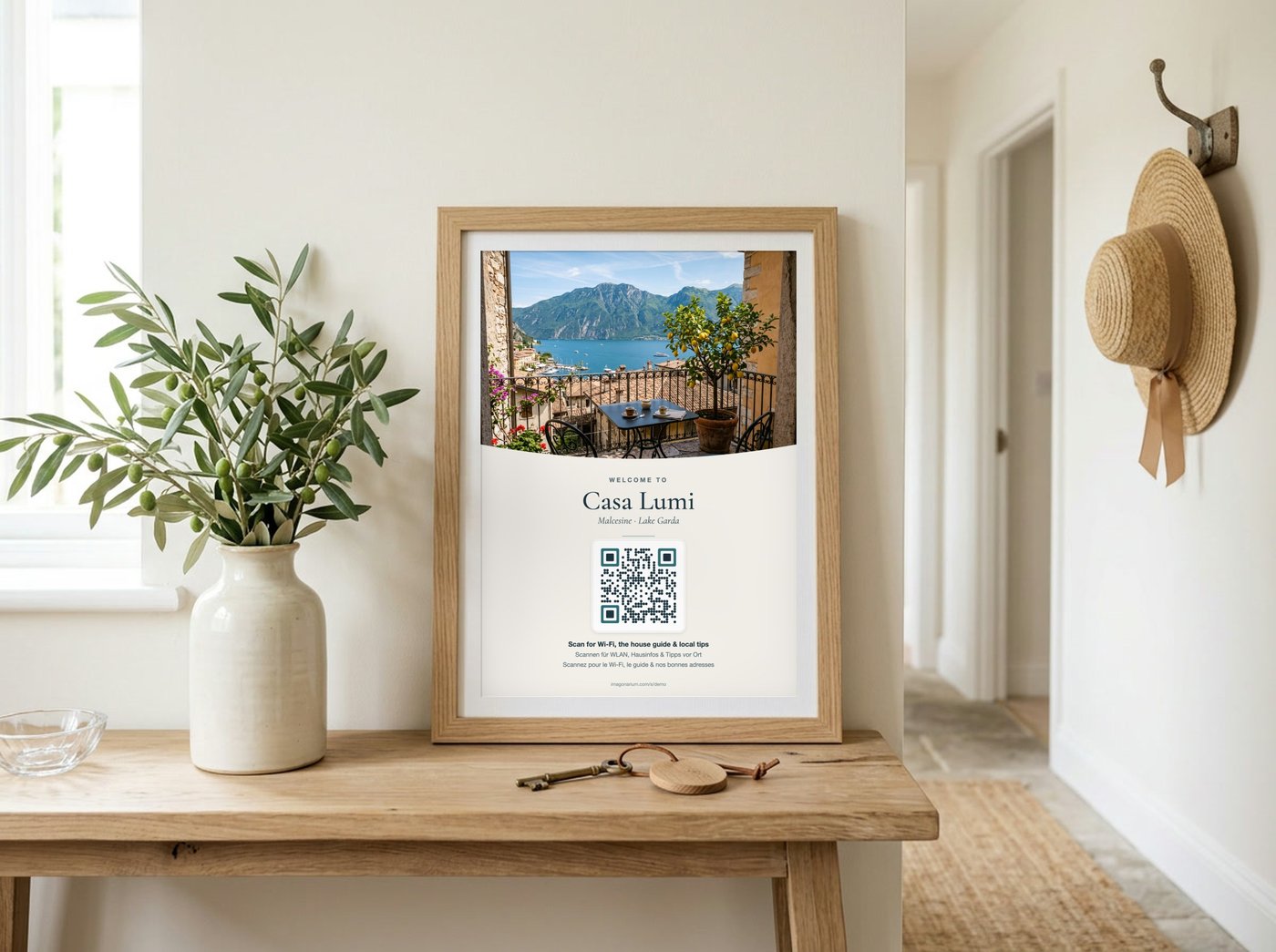
- One framed sign by the door with a QR code that opens it
- A Wi-Fi card in the kitchen
- And, if you like, a short printed welcome letter
Avoiding the monthly fee
Many guidebook apps are subscriptions, made for property managers with dozens of listings. For one to a few places, a one-time page is usually the better fit.
The Guest Welcome Page costs €29 once per property and stays live for 3 years, with renewals from €12 a year after that. It comes with the framed welcome sign and the Wi-Fi card ready to print in US and A sizes, and guests read it in any of 10 languages.
Try it as your guests would: open the demo guest page, switch the language at the top and tap around. Then see the host's side, where you fill it in and print the sign.
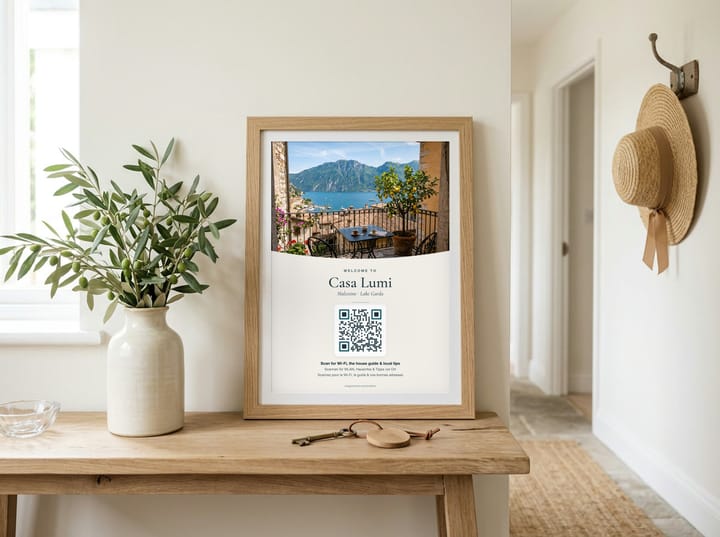
Holiday Rental Guest Welcome Page with QR Sign, Wi-Fi Card & House Guide in 10 Languages
Wi-Fi, check-in, how things work, house rules and your local tips on one link, read by every guest in their own language
€20.30€29.00−30%
Design yoursA quick checklist
Whichever you choose, check it does these:
- Guests can see it before arrival
- You can update it in a minute, without reprinting
- Maps open in the guest's maps app
- The door code isn't visible to anyone who walks past
- Guests from abroad can read it in their language
If your current welcome book misses three or more, it's probably time for a change. Our checklist of what to put in a welcome book helps you fill it.
Get new articles and designs by email
New calendars, art and mockups, and the odd offer — about once a month.
Unsubscribe any time. See the privacy policy.